7 Signs Your Phone Has Been Hacked and Listened to (8 photos)
Subscriber surveillance can occur in various ways. But if the phone isn't using carrier-supplied equipment, the attackers usually give themselves away. The phone starts acting slightly differently, displaying background activity. Let's try to assess the main signs. 
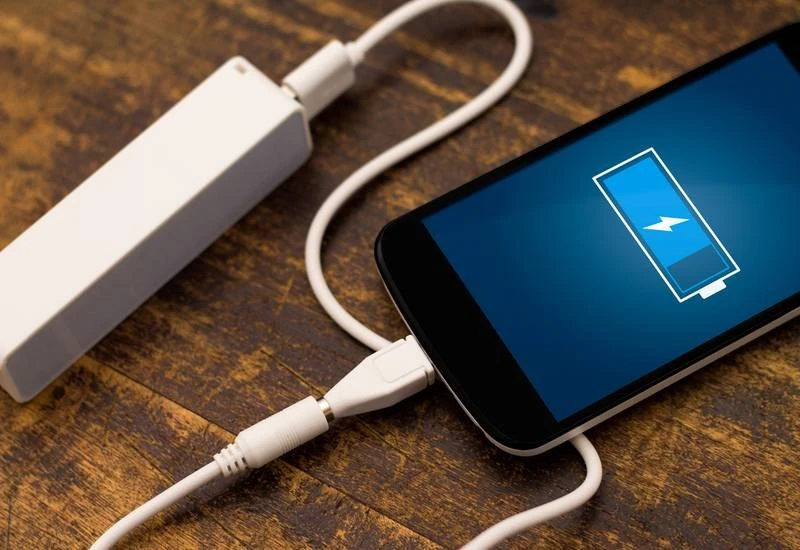
The smartphone's battery suddenly started draining quickly. A possible cause is the launch of an app you don't control. Spyware is designed to operate as stealthily as possible, but it requires power. 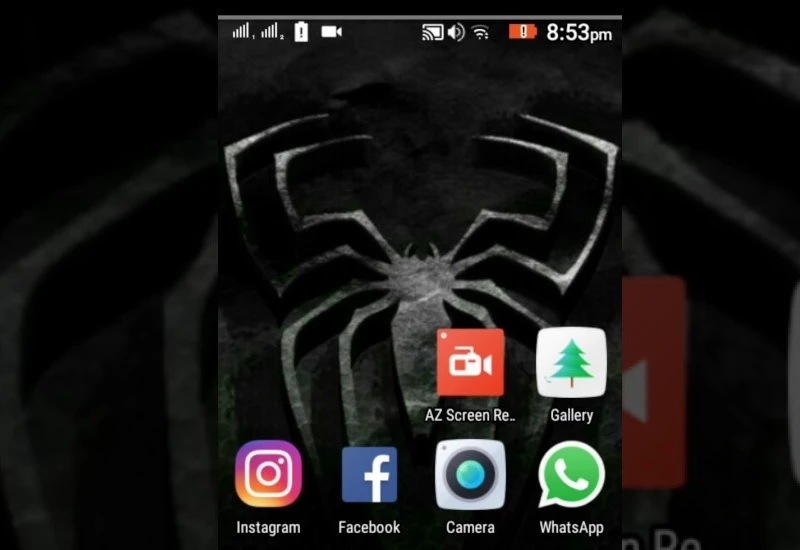
The device heats up not during calls or other use, but in idle mode—another sign that some program is running, draining resources. 
The smartphone turns off, reboots, dials numbers, or launches apps without your commands. Often, this isn't an operating system glitch, but a sign of hacking. 
The opposite situation: you can't turn off your smartphone. Instead, it opens various apps, turns on the backlight, and so on. 
Unknown numbers have appeared in your call log. Or you receive text messages from a familiar number, but they look strange—for example, they begin with a nonsensical string of letters or even symbols, like squares.
Most likely, the messages are being sent by a hacker. Open the message, and your smartphone will automatically download a malware program. How did the attacker get your number? They may have already hacked your friend's smartphone and are using their contact list. 
You're experiencing interference or echo during a phone call. Or someone calls you and immediately hangs up. This isn't always caused by network issues; it's possible that someone is actively trying to access your smartphone.
How to protect yourself 
Set a password on your phone. Don't use password-memorizing mode to log in to apps or websites. When charging your phone on an unfamiliar computer, select the "Power Only" option when connecting.
Disable automatic connections to Wi-Fi hotspots. Choose your own and ignore networks with suspicious names. Choose password-protected hotspots. Avoid making purchases or transferring money while using public Wi-Fi.
If your smartphone runs on Android, install a reliable antivirus program. Take your phone to a service center for a comprehensive scan for malware.